
Transport Fever 3 needs an i5-8400 and GTX 1060 minimum, 90 GB SSD. See full PC, Mac, and Linux specs plus real-world advice.
What Are the Transport Fever 3 System Requirements for Smooth Play?
Quick answer: the Steam page asks for at least a Core i5-8400 or Ryzen 5 2600X, 8 GB of RAM, and a GTX 1060, RX 480, or Arc A380 with 4 GB of VRAM, plus 90 GB of SSD space. The recommended spec jumps to an i7-13700K or Ryzen 7 7800X3D with an RTX 3070 or RX 6800. Minimum hardware will launch the game, but big late-game networks need recommended-class CPUs.
The game releases September 29, 2026 and has not been benchmarked in its launch build yet. Every number below is quoted directly from the Steam system requirements table, with plain-language advice on what each tier realistically means.
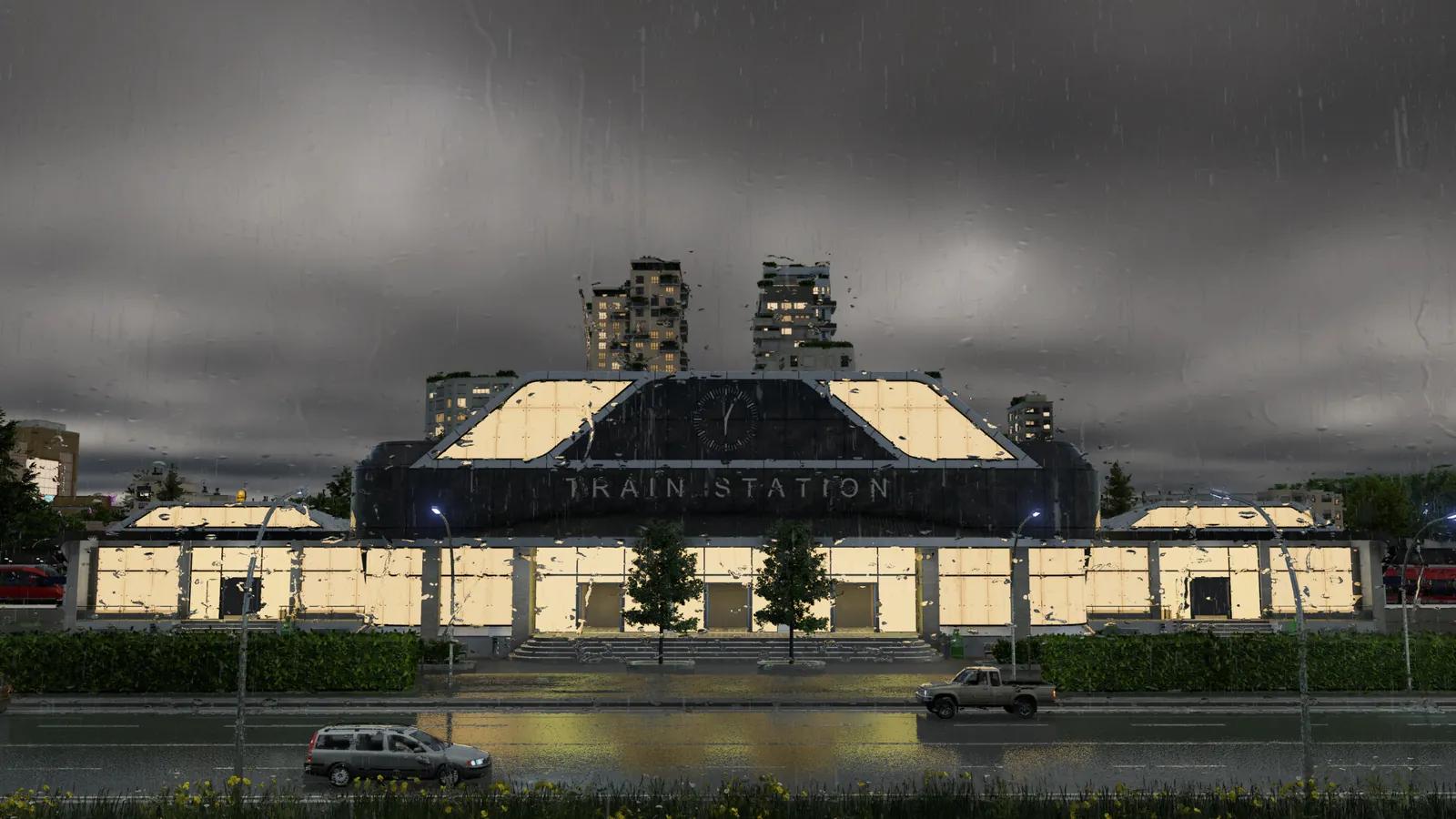
Minimum Requirements (PC)
These specs get the game running. Expect modest map sizes, reduced settings, and slower simulation on huge networks.
| Component | Minimum |
|---|---|
| OS | Windows 10 64-bit (Windows 11 also supported) |
| CPU | Intel Core i5-8400 or AMD Ryzen 5 2600X, AVX2 support required |
| RAM | 8 GB |
| GPU | NVIDIA GTX 1060, AMD RX 480, or Intel Arc A380 with 4 GB VRAM |
| Storage | 90 GB SSD |
Two details deserve attention. First, AVX2 instruction support is mandatory, so very old CPUs are locked out even if their raw speed looks close. Second, the 90 GB must sit on an SSD, which matters for loading large maps and streaming assets without hitches.
Official source: Pre-purchase Transport Fever 3 on Steam
Recommended Requirements (PC)
This is the spec Urban Games targets for a comfortable full-size experience.
| Component | Recommended |
|---|---|
| OS | Windows 11 |
| CPU | Intel Core i7-13700K or AMD Ryzen 7 7800X3D |
| RAM | 16 GB |
| GPU | NVIDIA RTX 3070, AMD RX 6800, or Intel Arc A770 with 8 GB VRAM |
| Storage | 90 GB SSD |
The CPU jump is the story here. Transport sims bottleneck on simulation threads, not pixels, and the recommended chips are far stronger per core than the minimum ones. A balanced used-market GPU near GTX 1060 level can scrape by, but there is no cheap substitute for single-thread CPU speed in this genre. If your rig sits between the two tiers, put upgrade money toward the processor first.
Playable, with compromises. Start on medium maps, keep vehicle counts moderate, and follow the lag fix guide from day one. Simulation-heavy games degrade gradually rather than refusing to run, so borderline rigs fail late, not at the menu.
Mac and Linux Requirements
Mac support is Apple Silicon only. The minimum asks for an M2 Pro with 16 GB of unified memory on macOS 15.7 or newer, and the recommendation steps up to an M4 Pro with 24 GB. Intel Macs are not supported at all, so check your chip before buying.
Linux players need Ubuntu 24.04 or newer with the same CPU, RAM, and GPU tiers as Windows. Driver maturity on Linux varies by vendor, so NVIDIA and AMD owners should update drivers before launch week rather than debugging on day one.
The Steam page lists Apple Silicon as a hard requirement. Rosetta translation of an Intel build is not on offer, so Intel Mac owners need a different machine or platform to play.
How Demanding Is It Really?
Official specs describe guarantee levels, not actual frame rates on huge maps. Three honest observations from the series and the pre-launch discussion:
- The CPU matters more than the GPU. Rendering a transport map is cheap compared to simulating thousands of vehicles, passengers, and cargo packets. Community threads already debate late-game scaling, and the developers point to improved multithreading with support for up to 128 threads.
- RAM headroom helps. 8 GB meets the minimum, but browsers, launchers, and the OS eat into that. 16 GB is the realistic comfort floor for long sessions, matching the recommended tier.
- Storage speed affects loading, not frame rate. An SSD shortens map loads and reduces asset streaming stutter. It will not raise your FPS once the map is running.
Official source: Transport Fever 3 performance discussion on Steam
Real FPS numbers, optimal settings per GPU tier, and how map size scales CPU load all need release-build benchmarks. Treat every third-party performance claim published before September 29 as speculation until tested players confirm it.
Languages, Multiplayer, and Extra Details
The Steam page confirms 13 interface languages, including Simplified and Traditional Chinese with subtitles. Full voice acting covers English and German only. Picking a version for language reasons is safe: every PC store sells the same multilingual build.
The store tags list single-player only, with achievements, a level editor, family sharing, and mod support. The Epic store listing mirrors the same PC requirements and feature set. No multiplayer mode has been announced, so plan for a solo experience. An ESRB E rating with mild language and an in-game purchases flag round out the listing details.
Before you buy, confirm which edition fits you, skim the mods guide for what the in-game browser adds, and peek at the campaign overview to see what your first hours look like.
Frequently Asked Questions
Can a GTX 1060 run Transport Fever 3?
Yes, it meets the official minimum alongside an i5-8400 and 8 GB of RAM. Expect lowered graphics settings and smaller maps. Huge late-game networks on a 1060-class card are pending launch verification, so keep saves modest until benchmarks appear.
Is an SSD required or just recommended?
The Steam page lists a 90 GB SSD as a hard requirement on both tiers. A spinning hard drive may still launch the game, but long loads and streaming hitches are likely, and support will point at the SSD line first.
Can Intel Macs play Transport Fever 3?
No. Only Apple Silicon Macs (M2 Pro minimum) on macOS 15.7 or newer are supported. Intel Mac owners should look at console or PC options instead.
How much RAM do I really need?
8 GB satisfies the minimum, while 16 GB is recommended and matches how most players actually run the game with background apps open. For large maps, 16 GB is the sensible floor.
Does Transport Fever 3 have multiplayer?
No multiplayer has been announced. All official listings describe a single-player game, so buy it for the solo tycoon and sandbox experience.
More Transport Fever 3 Guides
Helicopters are new in Transport Fever 3, with the Sikorsky S-76 confirmed. What they are good for, what they cannot do, and costs still unconfirmed.
How money works in Transport Fever 3: delivery income, running costs, full loads, and the route habits that turn thin lines profitable.
Transport Fever 3 landmarks grant area bonuses tied to headquarters and company rank. Confirmed landmarks, how bonuses work, and subsidy details still pending.
Transport Fever 3 loans and contracts explained: dynamic borrowing, risk-versus-reward deals, and rules for debt that builds instead of kills.
Transport Fever 3 mods run through an in-game browser with cross-platform support. Learn Curated Mods, mod.io, and Workshop status.
Cut noise and pollution in Transport Fever 3: barriers, trees, underground rail and fleet maintenance. Pre-launch guide.
Transport Fever 3 offshore oil and fishing guide: rigs, fishing grounds, ships and climate limits for sea supply chains. Pre-launch.
Fix Transport Fever 3 lag and stutter: graphics settings that help, CPU bottleneck advice, and late-game slowdown cures that work.